The challenge
Coaching and professional-development programs often rely on separate tools for project assignments, learner tasks, communication, assessments and workshop content. This makes it difficult for participants to understand what they should work on next and forces coaches to switch between multiple systems to follow learner activity.
Communication becomes even more fragmented when discussions happen outside the task itself. Important guidance can be separated from the project or sub-task it relates to, making it harder for learners to revisit feedback and for coaches to keep conversations organized.
The project required a focused digital workspace where coaches and learners could navigate projects, tasks and sub-tasks while keeping communication directly connected to the work being discussed.
What we built
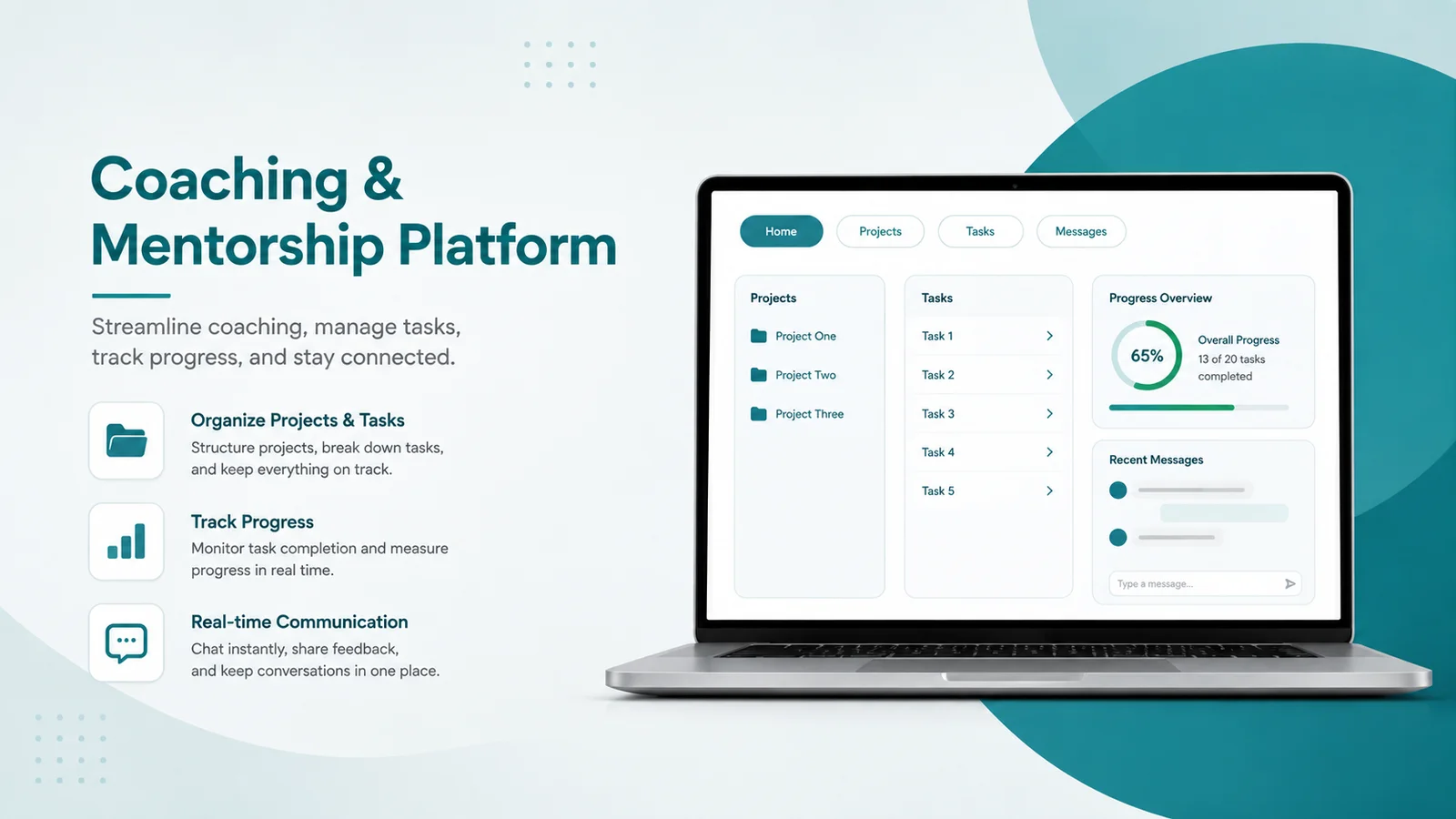
A web-based coaching and mentorship platform was developed around a clear project → task → sub-task workflow, with real-time conversations attached directly to individual sub-tasks. The application also provides a foundation for assessments, workshops, notifications and learner progress experiences within the same interface.
Key features
- Session-based email and password authentication
- Dedicated Coach and Student user roles
- Structured Projects → Tasks → Sub-tasks hierarchy
- Project listing with nested task navigation
- Sub-task selection with contextual descriptions
- Real-time chat attached to individual sub-tasks
- Message persistence for conversation history
- Live message delivery using Pusher broadcasting
- Automatic display of message author information
- Learner dashboard interface with notifications and task progress
- Assessment area for ID Test, Holland and Leaders evaluations
- Assessment progress indicators and action controls
- Workshop section designed for video-based training content
- Task dashboard with project, task and sub-task navigation
- Notification interface for assignments, comments and due dates
- Profile area with authenticated logout workflow
- Responsive custom interface built on Bootstrap and SCSS
- Vue-powered page interactions without a separate SPA router
- jQuery AJAX communication for task and message requests
- Vite-based frontend asset compilation